


Create your own Windows Vista installation DVD
When it comes to reinstalling software on a computer, we always carry out the same actions once we have the operating system working: deactivate UAC, install the drivers for each hardware component, eliminate the Windows elements that we aren't interested in, etc.
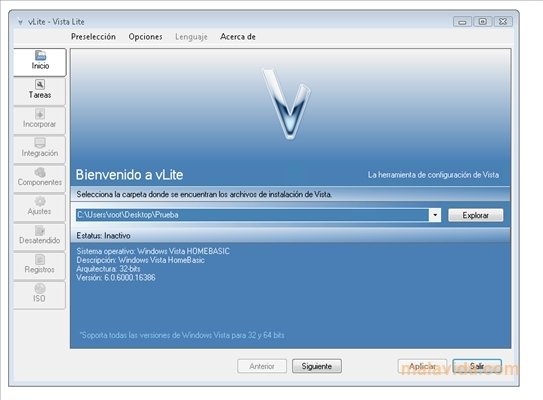
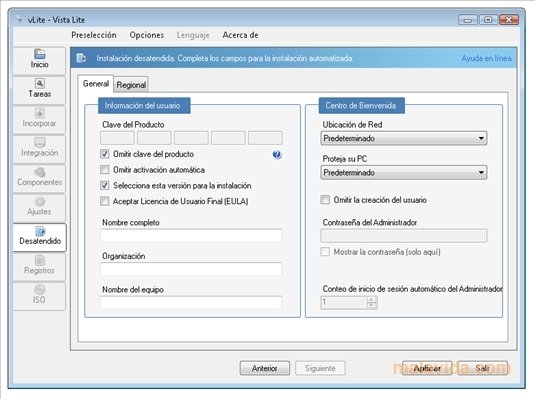
vLite is a very practical tool if what we want to do is to customize our Windows Vista DVD, due to the fact that it allows us to create an installation disc that is totally adapted to our tastes and needs, in such a way that we'll be able to choose what applications, services and controllers will be installed together with the operating system.
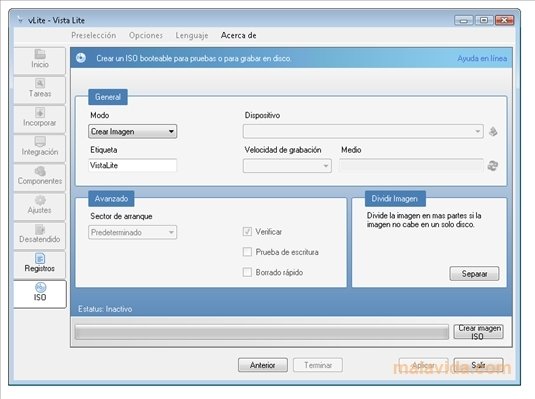
Once we have designed our customized installation disc, we'll be able to export it in ISO format, so that we can later burn it on a DVD.
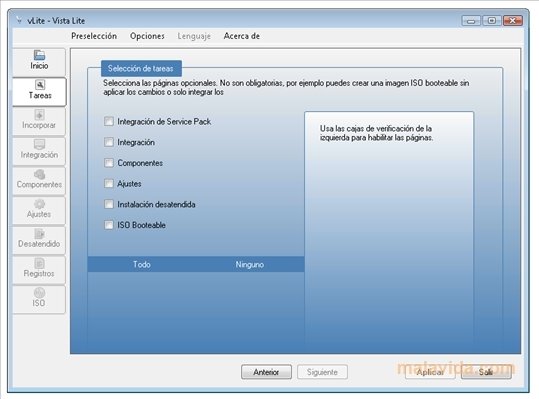
The application uses a tab-based interface, which makes it a lot easier to use the application, because it clearly divides each one of the steps to be able to edit the options that we have available.
Download vLite and easily customize your Windows Vista installation DVDs.
 Leticia Sorivella
My name is Leticia. I really like movies, television, and music. That is why I studied Audiovisual Communication. In the beginning, I wanted to work in movies, but I ended up on television. Then, I went from being behind the cameras to being in...

Antony Peel